
Instructions for navigating the course site
This book provides Moodle directions for various items in the course.
Health Informatics Online Classroom
How-to
User Preferences
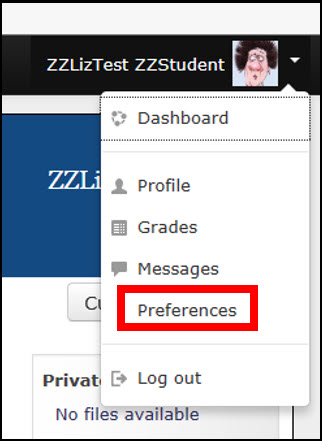 |
There are some important items that you will want to address within your user preferences. These preferences determine how much mail you receive from the course, how discussion forums display, and several things that can make a considerable difference in your course experience. One of the most significant of these is Forum preferences, which we will describe shortly. Click “Preferences” |
|
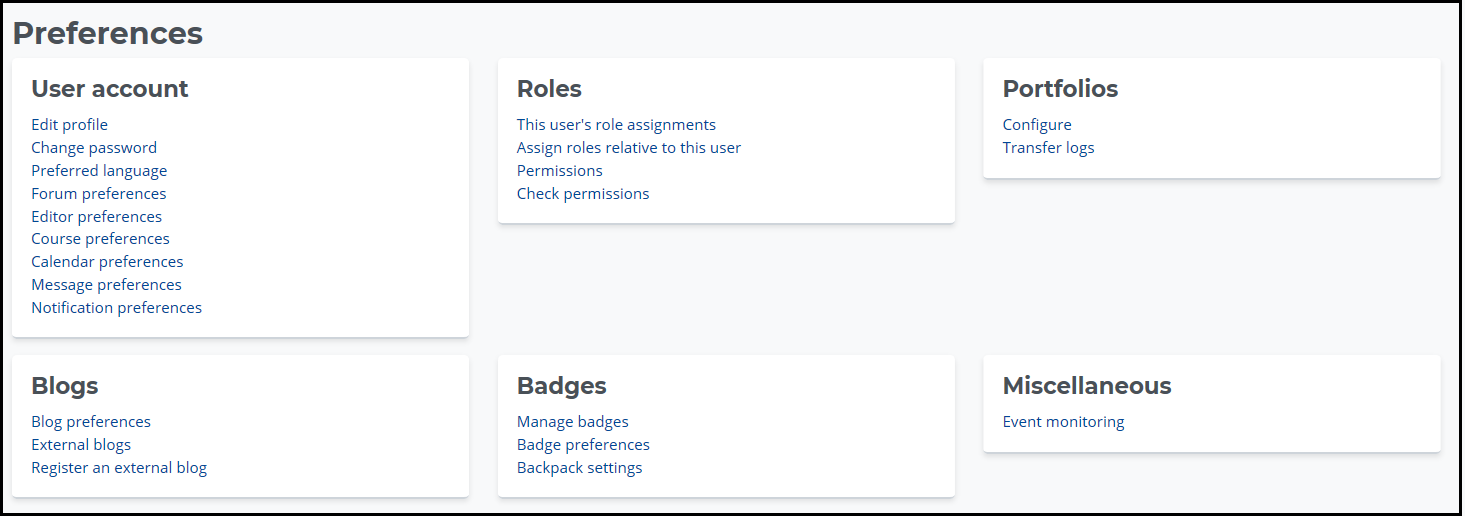
The “Preferences” screen appears. |
 |
|
In the following pages, let’s look at setting some specific preferences. |