Instructions for navigating the course site
This book provides Moodle directions for various items in the course.
Health Informatics Online Classroom
Grades
|
Some courses do not have grades. For those that do, you should complete the graded assignments within each module by the module end date or as soon as possible thereafter. Instructors will typically post grades by the end of the following week. If your course has segments that received grades, there are two ways to access them. |
|
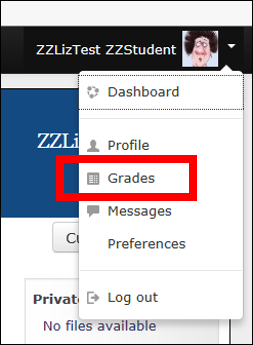 |
Click on the dropdown next to your name in the upper-right corner of the course window.
|
|
|
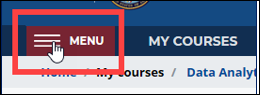
Or, click the “Menu” icon in the upper-left corner. |
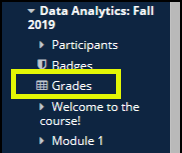 |
The menu will appear on the left side of each Moodle page. Find your course in the Navigation block and click the “Grades” link. |