
Instructions for navigating the course site
This book provides Moodle directions for various items in the course.
Health Informatics Online Classroom
Blocks Overview
Calendar
|
The Calendar block serves a powerful visual reminder of upcoming events and due dates. When your instructor sets due dates for assignments and activities in the course, the dates will be highlighted and linked to the specific item in the course. You can also use the calendar to add personal reminders. |
|
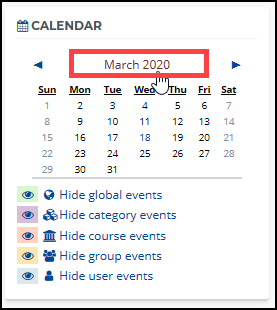 To add events, click the “Month” header within the Calendar block To add events, click the “Month” header within the Calendar block |
|
|
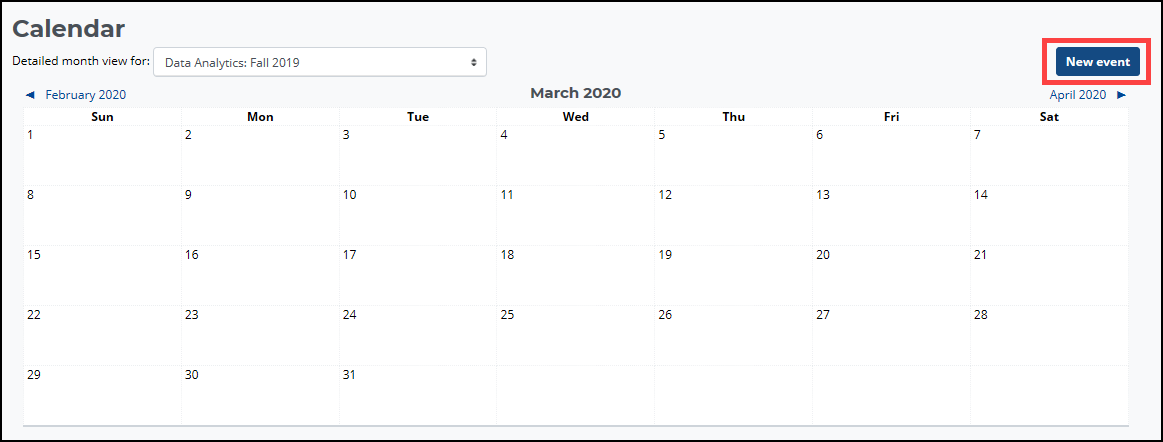
A full-size calendar will appear. |
|
 |
|
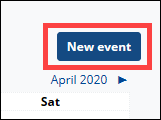 Click the “New event” button. Click the “New event” button. |
|
| The “New Event” window will appear. | |
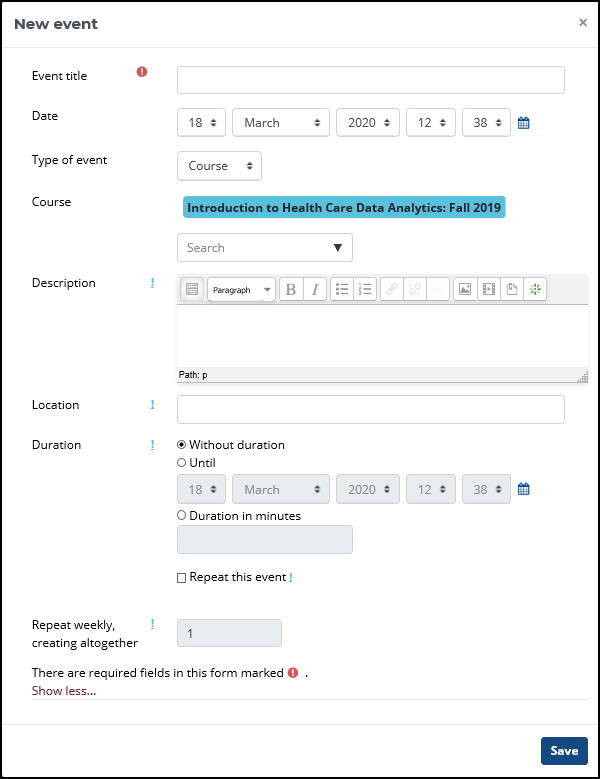 |
• Complete required fields
|