Instructions for navigating the course site
Blocks Overview
|
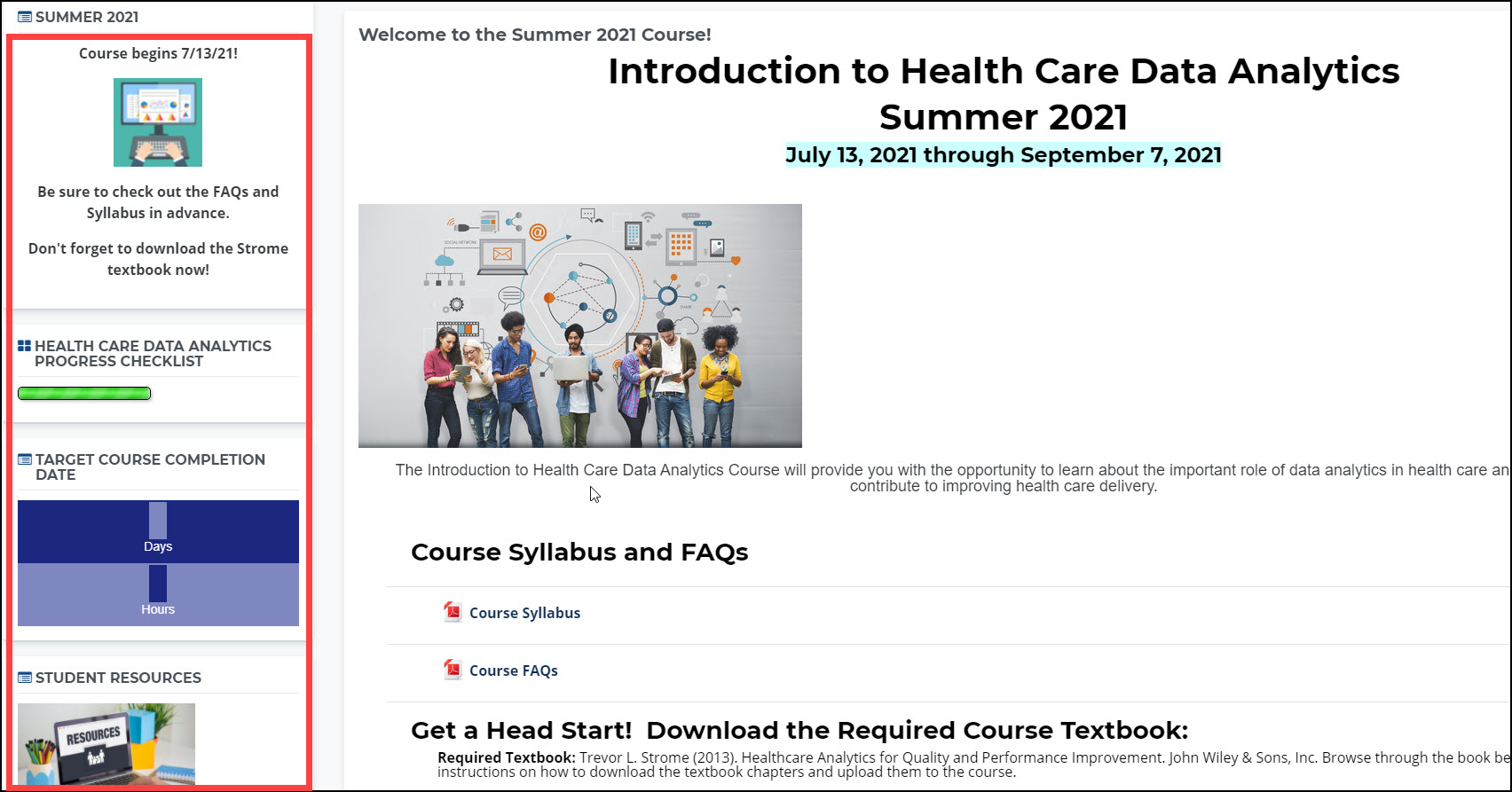
When you are looking at a course, blocks are items displayed in the left-hand column of course pages. NOTE: When you look at your dashboard, some blocks will be in the right-hand column. |
 |
|
These blocks may change depending on where you are within the course and are often used to provide helpful tips and other information relevant to the specific activity or assignment. In addition to the Course Progress block previously mentioned, the next pages highlight a few of the blocks you can see. |